Unity XR Platform
Make XR feel familiar to build.
At Unity, I was a Staff Product Designer and Design DRI for PolySpatial and accessible XR creation tools across Apple Vision Pro, Quest, OpenXR, and PC.
XR creators face a fragmented stack: different devices, input methods, and runtime requirements. A useful platform lets them carry interaction patterns and authoring skills forward while making each target’s constraints clear.
My focus was a coherent creation experience: reusable interactions, a working starting point, and feedback close to authoring.
- Focus
- XR authoring, reusable interactions, developer experience
- Platform
- Unity Engine, XR Interaction Toolkit, OpenXR, and PolySpatial across headset and PC workflows
- Role
- Design Lead [DRI]
- Responsibilities
- PolySpatial design leadership, accessible XR creation tools, cross-platform authoring
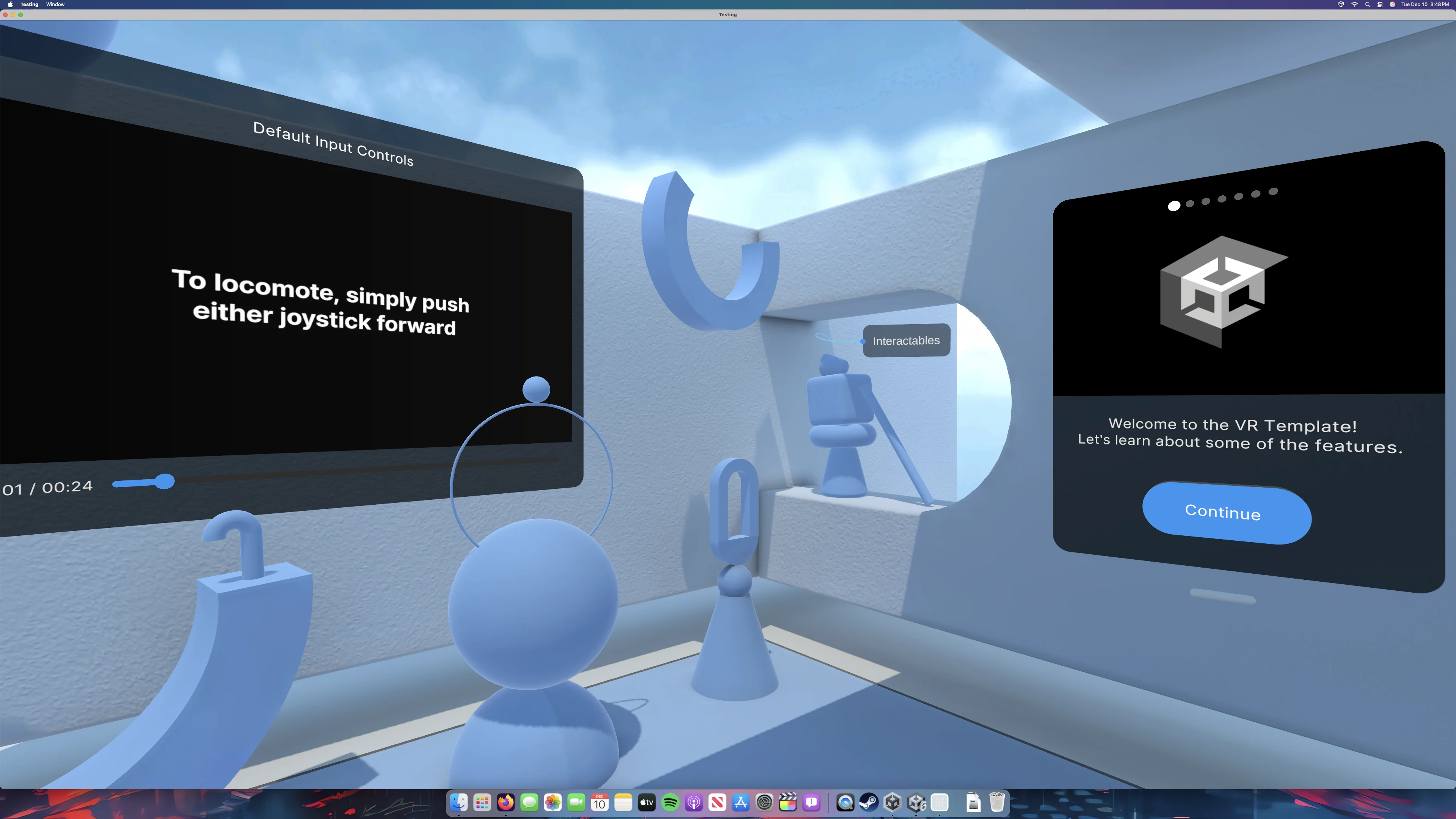
Carry the workflow across devices.
Shared interaction concepts, visible platform limits, and shorter feedback loops.
01Build a reusable interaction language
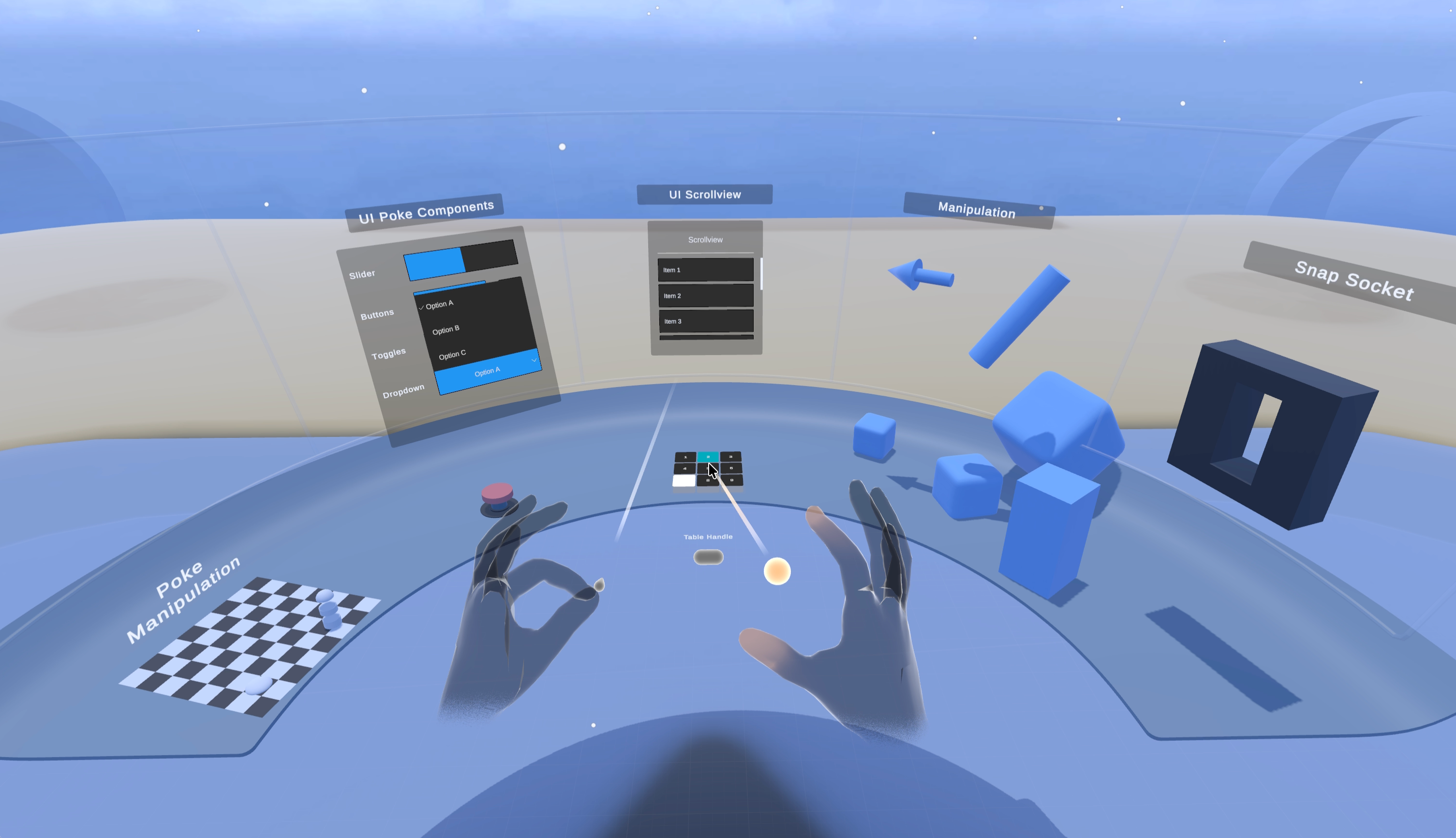
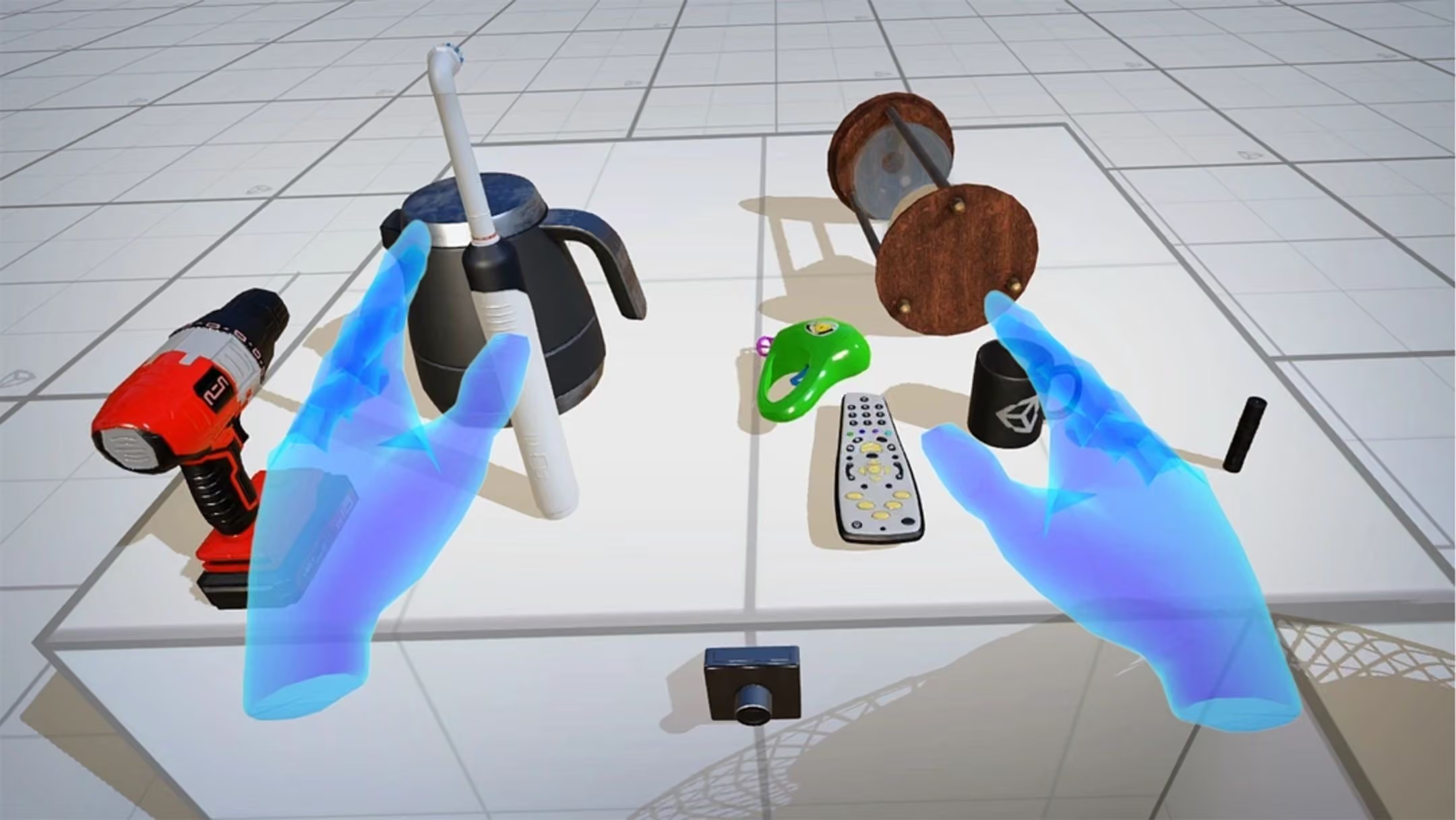
A shared interaction model has to balance reuse with device differences. XR Interaction Toolkit gives creators a common vocabulary—interactors, interactables, hover, and select—across supported controllers and interaction modes. The design challenge is to make that vocabulary useful without concealing what a particular device can and cannot do.
A shared language for hands
Reusable behavior in context
02Make platform boundaries understandable
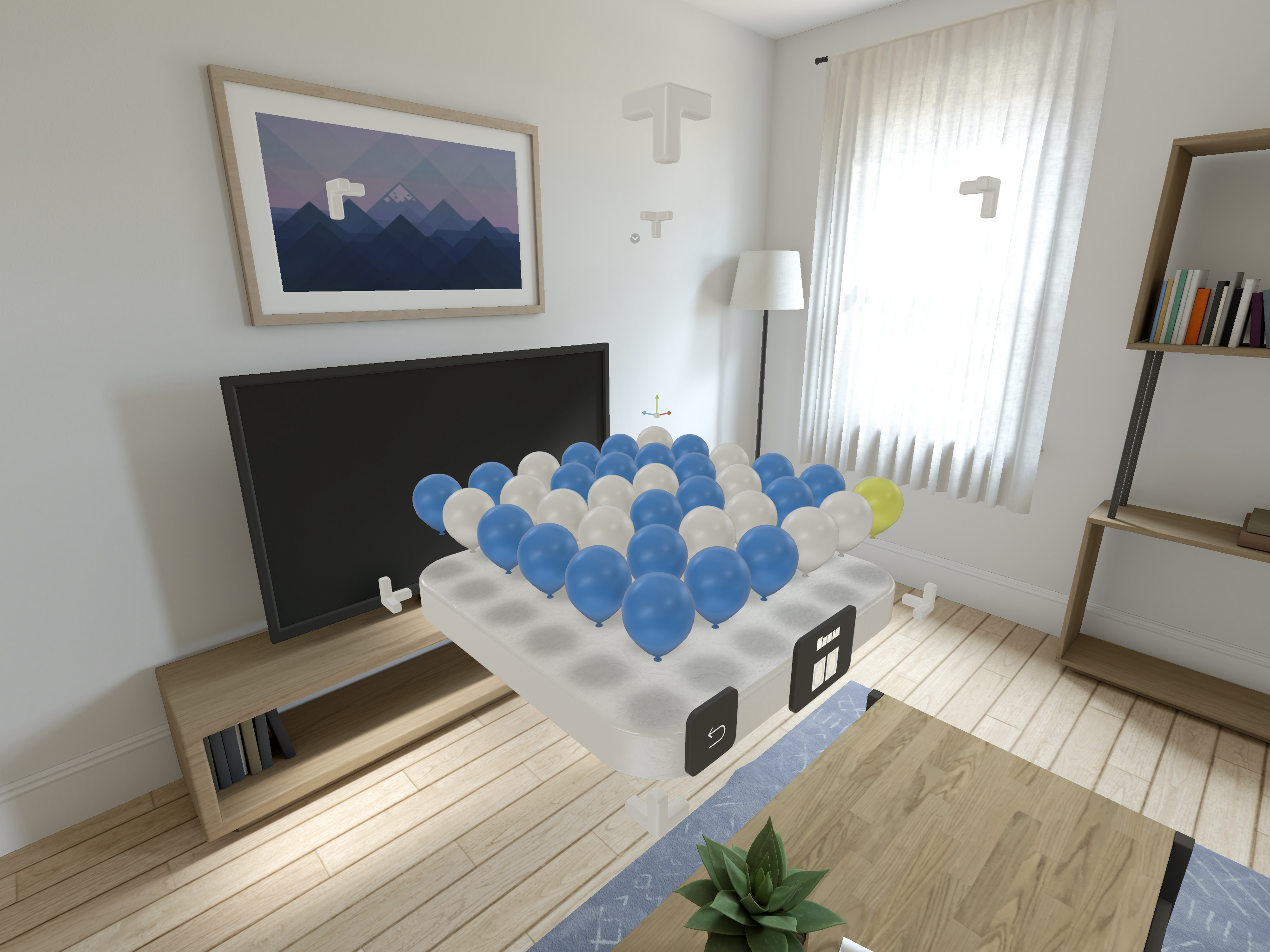
XR Plug-in Management configures provider plug-ins, and Unity’s OpenXR package targets conformant runtimes. Shared concepts still meet specific limits. For mixed reality on visionOS, PolySpatial connects Unity authoring and simulation with RealityKit rendering; not every rendering technique carries across. Its Volume Camera makes spatial bounds an explicit authoring decision. Creators need to recognize these differences early enough to decide what to reuse and what to adapt.
Make spatial bounds visible
A bounded space for interaction
03Give creators a working starting point
A toolkit is only as approachable as its first working scene. XRI Starter Assets bring input actions, presets, and example prefabs together, including an XR Origin, teleportation, and interactable objects. Unity’s mixed reality template extends that starting experience with an in-scene menu for sample content and coaching controls.
That makes onboarding part of the product architecture. The useful handoff is a system people can learn from and change—not a disconnected list of settings. Defaults provide momentum; visible configuration preserves control as a project becomes more complex.
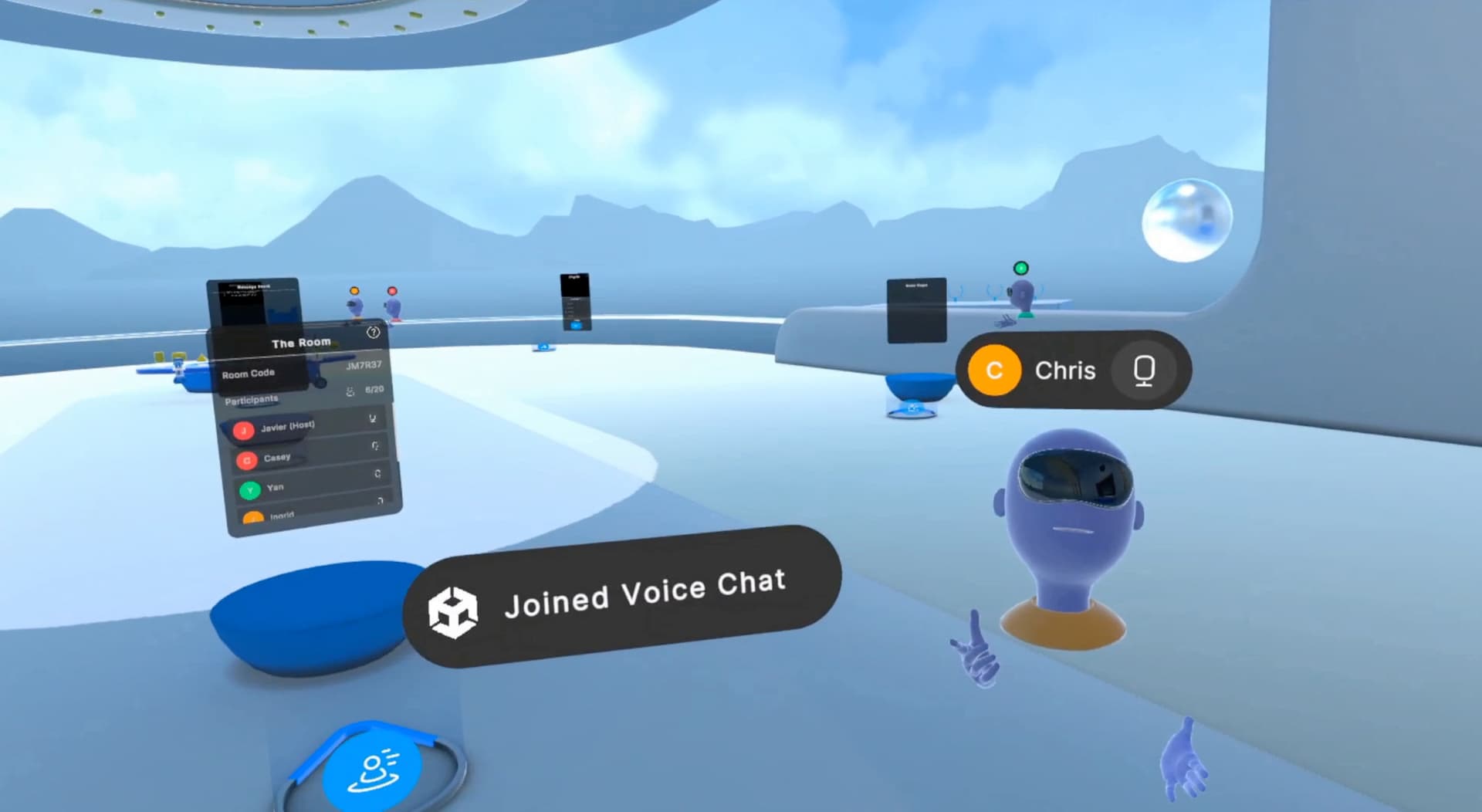
04Keep feedback inside the creation loop
XR Device Simulator maps keyboard and mouse input to a simulated headset and controllers, so creators can exercise interactions in the Editor. For PolySpatial content on visionOS, Play to Device previews the scene on a simulator or device without rebuilding an Xcode project. These are complementary paths for keeping feedback close to authoring.
The platform principle is to use lightweight checks for frequent iteration and real hardware for spatial validation. Simulation makes behavior easier to inspect; a headset remains essential for judging scale, comfort, and the physical experience.
A foundation creators can build on.
Reusable concepts, working examples, and practical feedback connect the XR authoring journey.
XRI’s reusable components, samples, and simulator make the authoring foundation concrete. Unity’s July 2023 visionOS beta and January 2024 official support show one expansion of the ecosystem, extending familiar tools into a new spatial environment.
A coherent XR platform helps creators know what they can reuse, what they must adapt, and how to test the difference.